Cirrux Update – Introducing Cirrux Webmail
March 31, 2026
Hi everyone,
It was by far the biggest question I got over the past months: are you ever going to ship your own clients for Cirrux? And the answer was a resounding yes: the power of a workspace, in my view, is a combination of a rock solid foundation and fully integrated clients.
The last few weeks I've been testing the first version with Superfans, and I'm happy to announce that Cirrux Webmail is now available to everyone. It's fast, clean, and built from the ground up to make switching to an alternative not a step back but an upgrade.
And good to underline: I'm committed to keep those open standards running, so if you rather use your own client instead of mine, that's always an option.
Let me walk you through the highlights.
A fully-featured email client
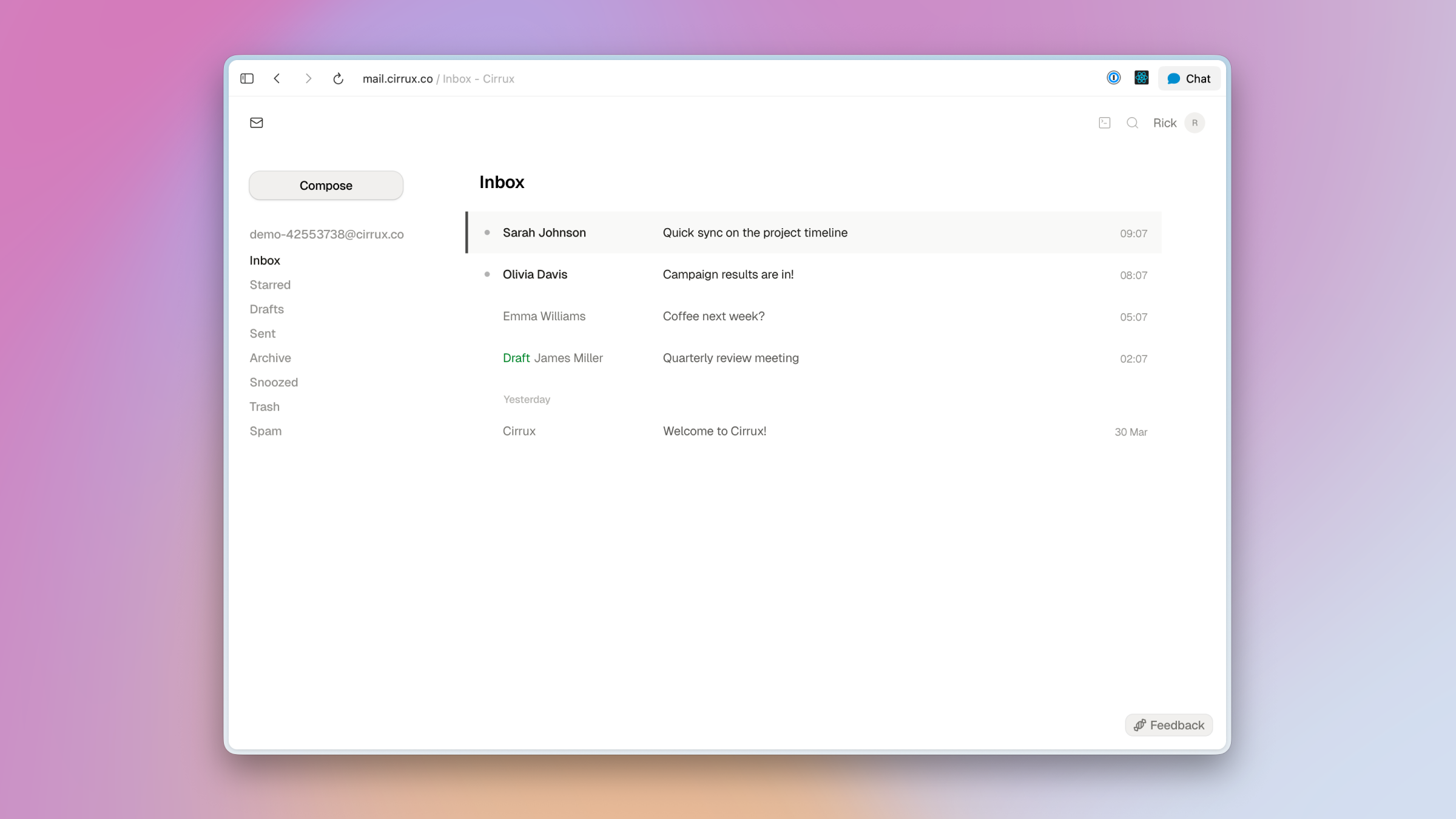
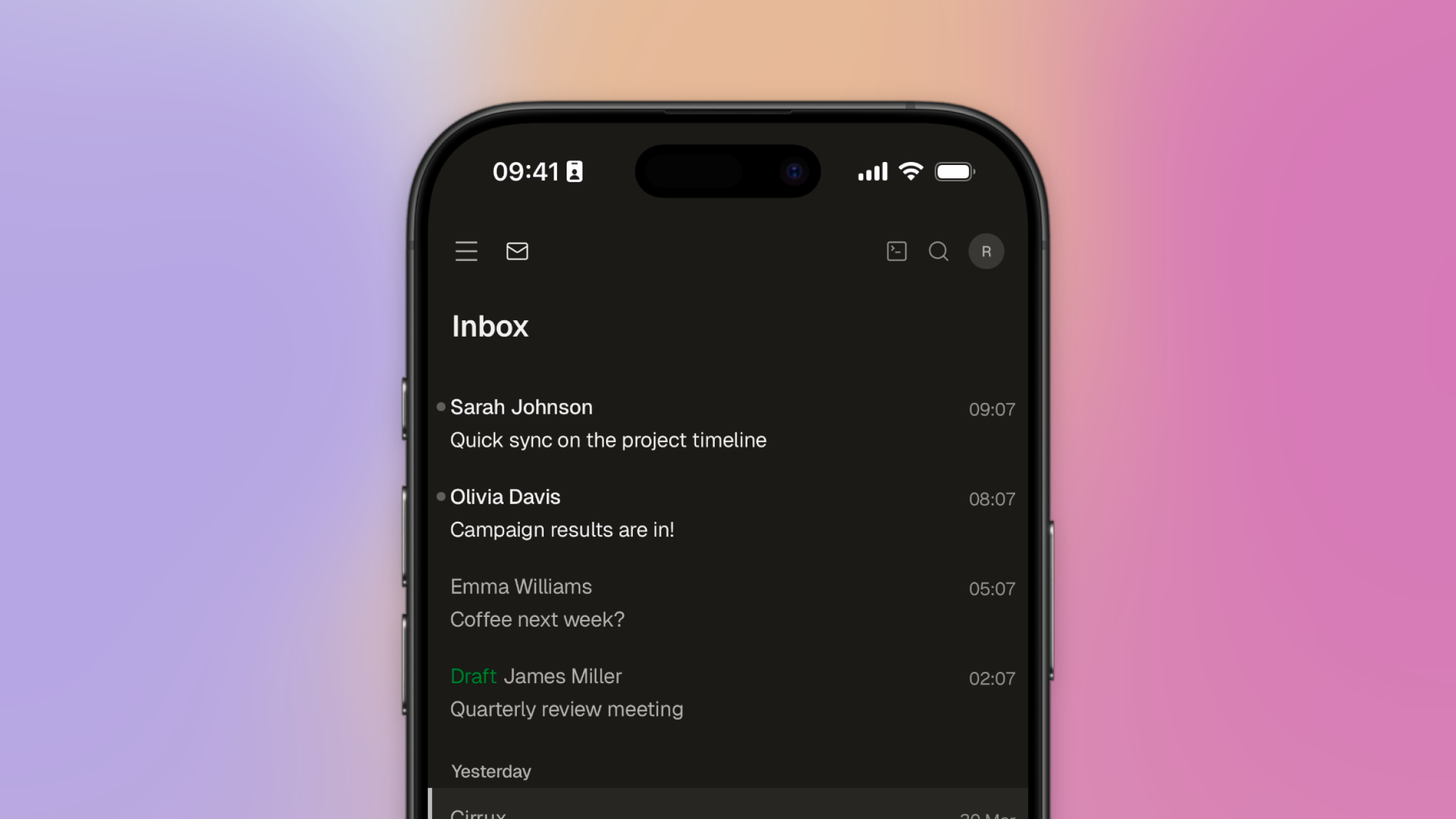
Cirrux Webmail is a fully-featured email client that runs in your browser. It's designed to be fast and smooth, by loading your data locally. No waiting for things to load and I'm purposefully trying to keep the interface as clean as possible. Just you and your email.
It's deeply integrated with everything else in Cirrux: your calendars, contacts, labels, and filters all work together seamlessly. And because it sits on the same sync engine as the IMAP server, you can use both side by side. Everything is always up to date.
Here's what you can do:
- Super speedy search — Search is flexible and fast. It handles accents, partial matches, and lets you scroll through results infinitely. Finding that one email from three months/years/decades ago takes milliseconds.
- Keyboard-first — Almost everything can be done via keyboard shortcuts. And there's a powerful command palette to explore all available actions, so you'll never have to dig through menus.
- Dark mode — Comes built-in and looks great.
- Snooze emails — Not ready to deal with something now? Snooze it and it comes back at the time you pick.
- Email signatures — Set up different signatures per mailbox, so your work and personal email can have their own identity.
- Multiselect and bulk actions — Select multiple emails with shift-click and process them all at once: archive, snooze, move or delete.
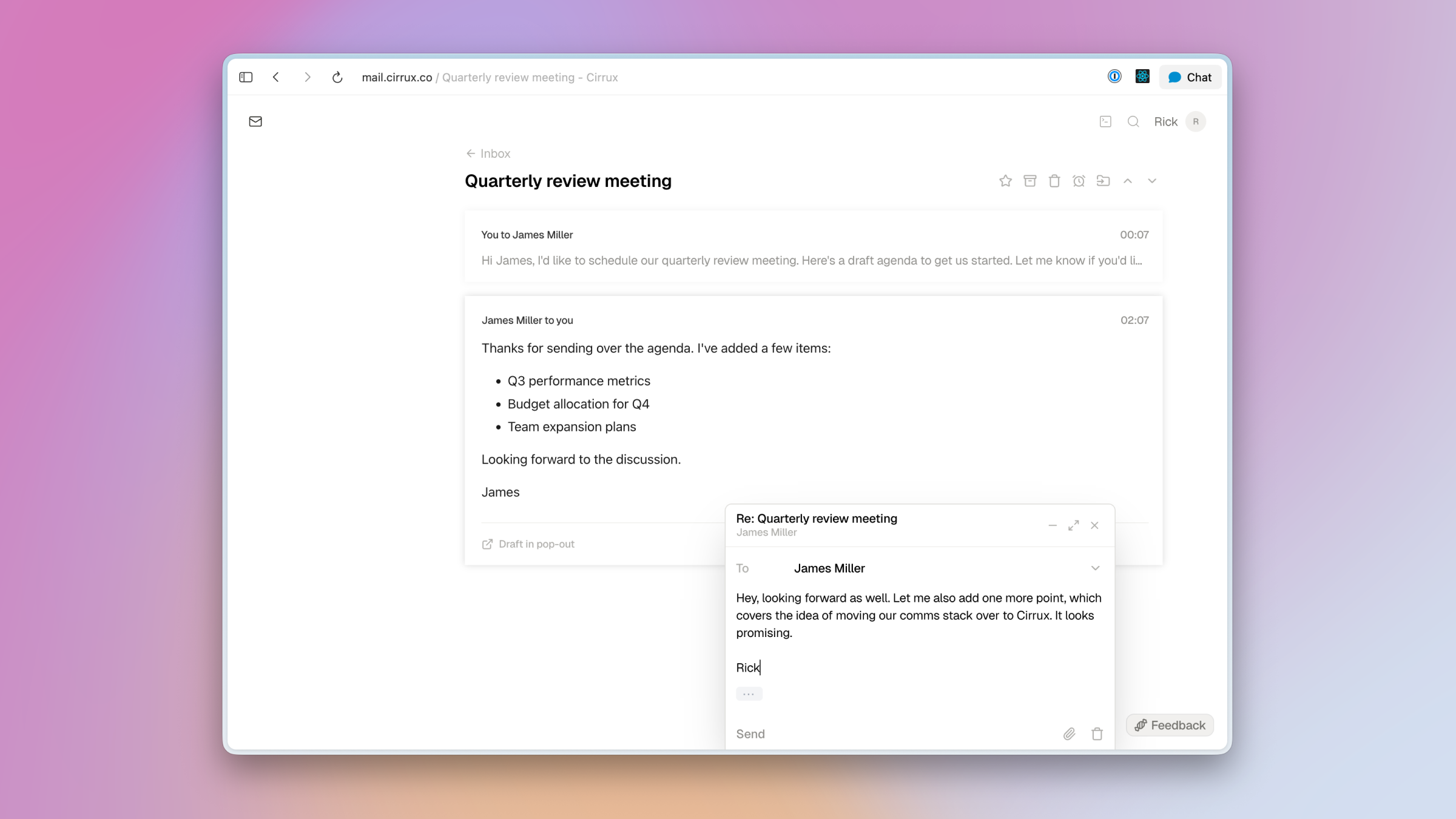
- Flexible composing — Write emails in full screen focus mode, inline as you reply, or pop out to a separate window so you can keep reading, searching, or replying to other emails.
- Smart contact suggestions — It remembers who you interact with and helps quickly find those people when you're writing or replying.
- Undo actions — Made a mistake? No worries. You can just undo archive, move, and other actions right after you take them.
- Offline - No connection? No problem. As long as you had Cirrux open, you can browse, organize and write emails. You can schedule them for sending. Everything will be synced when your connection is back.
The Cirrux Editor
Under the hood, Cirrux Webmail features a brand new text editor that I'm calling the Cirrux Editor. It handles rich text, inline images (just drag them in), lists, blockquotes, and links -- all with a clean editing experience. This editor will be the foundation for all writing features in Cirrux going forward, including the collaboration tools I'm working on. (This is also the magic sauce behind so much shipping speed folks are wondering about: the foundation is essentially a set of lego blocks which allow me to build out new products faster with each new component.)
Email forwarding via filters
Also new: you can now set up email filters that automatically forward matching emails to another address. Combined with the existing filter options (sender, recipient, subject, contact groups), this gives you powerful automation for routing emails where they need to go. Head over to Settings to set it up.
Virus scanning for attachments
All incoming email attachments are now scanned for viruses. This runs automatically in the background -- nothing you need to configure. Just another layer of protection.
Fixes and improvements
- Inline attachments (images, PDFs) now display directly in the email thread
- Fixed CalDAV errors for certain timezone offset formats (GMT+02:00) which caused some events not to load in your client
- Improved spam detection with sender reputation tracking
- IMAP performance improvements, especially for large mailboxes
- Unverified domains are now automatically cleaned up after 30 days
- Fixed sublabel grouping in the sidebar
- Improved search to ignore accents (so searching for "café" finds "cafe")
What's next
Currently planned next steps:
- File storing and sharing: Now we have the communication components in place, next up is opening up a place to store and share files.
- Cirrux Sync for Outlook: There's a lot of you that want to move their Microsoft accounts over to Cirrux and I'll get it going after the files part is done.
- Import or sync for IMAP: I'm not 100% sure yet if I'll also support sync for third party IMAP providers, but at the bare minimum I'll add an option to import email from any IMAP provider if you want to migrate.
Per my policy of prioritizing bugs I'll get started with those new projects as long as everything else is running smoothly. So please keep reaching out with any issues you're spotting.
Cirrux Webmail is available now -- head over to mail.cirrux.co to check it out. I'd love to hear what you think. As always, just reply to this email. Happy to help in any way I can.
Have a great week,
Rick
PS Dutch? I had a great chat with Ernst-Jan Pfauth on POM. And I also appreciated this longer article on The Innovative Lawyer.