Cirrux Update – Email Filters and Cirrux Sync
February 2, 2026
Hi everyone,
Hope you're well. I'm really excited about this update, and besides that it's very exciting to see new folks join Cirrux every day.
From a European perspective, last week was a true wake-up call for a lot of people. It's about time we make ourselves a bit more resilient, and the best way to do that is to not put all your eggs in one basket.
This edition contains two big items to help make that switch a bit easier: Cirrux Sync and Email Filters.
Introducing Cirrux Sync to seamlessly move your Gmail, Google Calendars and Contacts
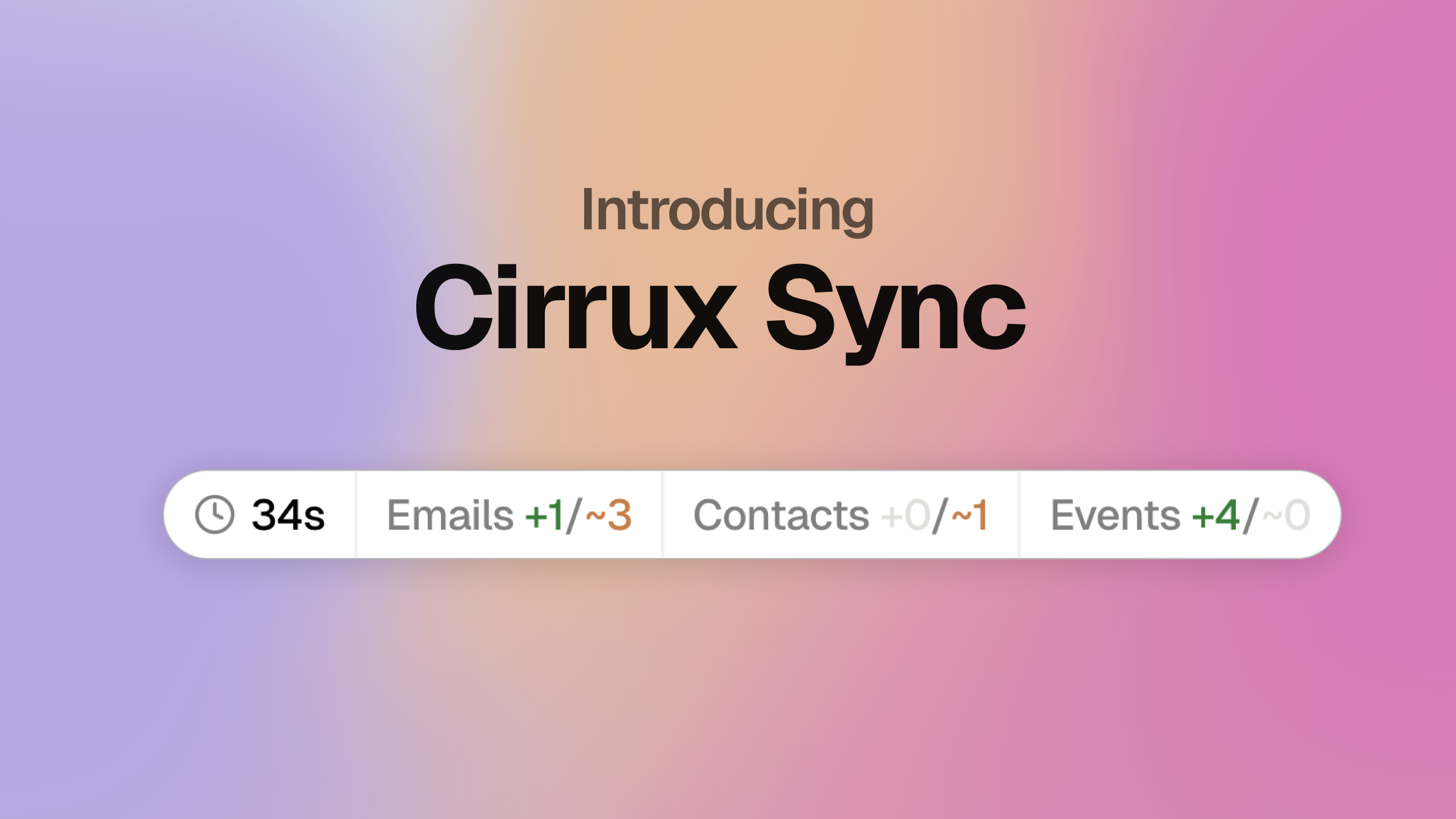
Moving your mailbox to a different service is pretty scary, and it can also simply be a daunting task. How do I make sure nothing gets lost? And it puts the pressure on, because if you copy manually you'll need to also manually transfer any changes.
This is exactly why I built Cirrux Sync: it allows you to connect your Google account, and select exactly which parts of your account you want to sync. It's able to copy your email (including your labels), calendar events and contacts.
Whether you want to simply have a copy of your data and continue using your Google account, or if you want to start making the transition today--both work.
Related: you might remember I'm also offering Cirrux Backup. This only covers email, and the key difference is that Cirrux Backup stores your emails using encryption keys that I don't have. You can keep using it, or you can switch to Cirrux Sync and delete the backup (saves you a few bucks!)
Email Filters
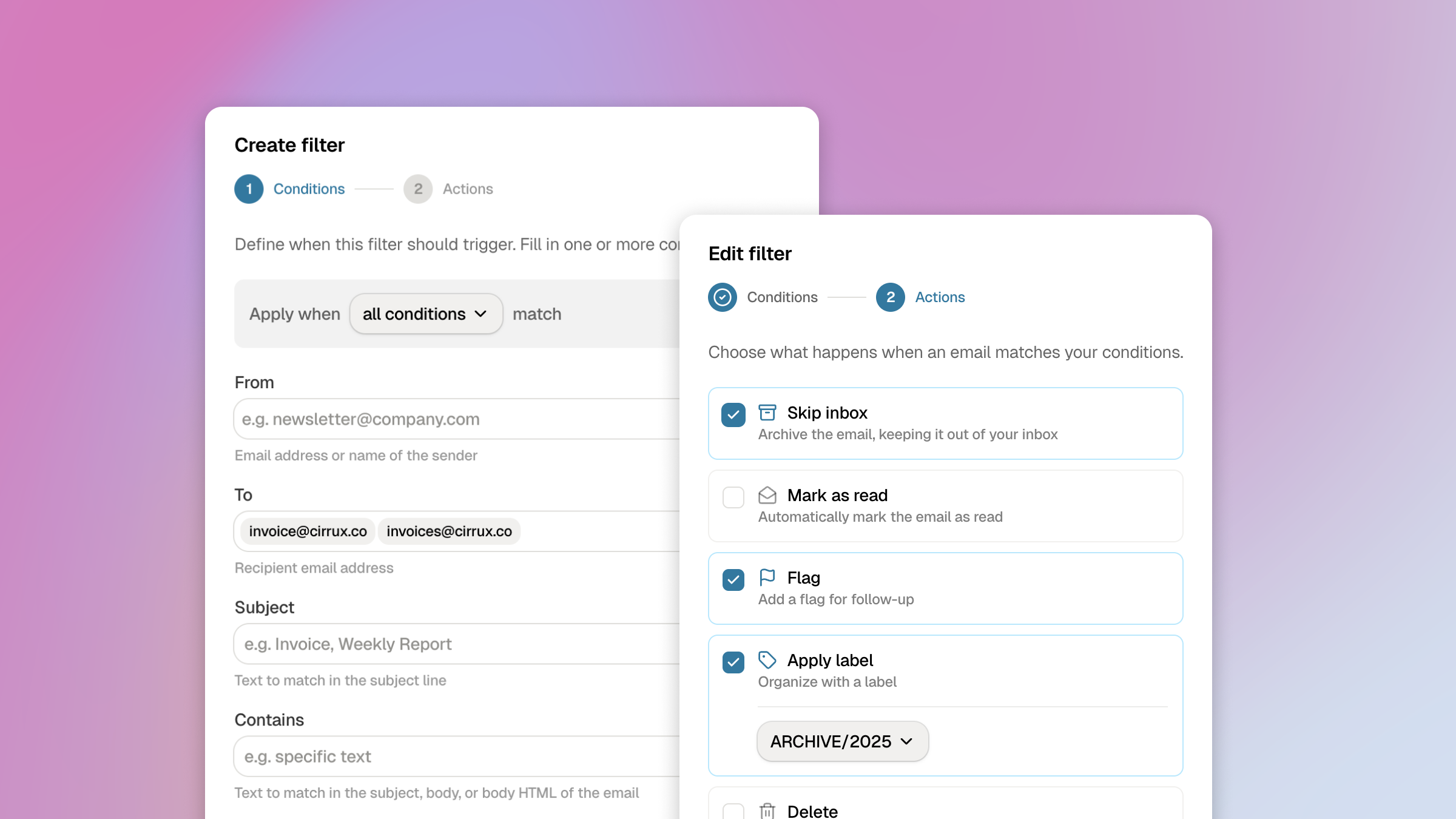
You can now set up filters that can automatically organize your emails. Select based on who sent the email, to which address it's going, (parts of) the subject, and set up actions: flag, archive or attach a specific label (labels and folders are one thing in Cirrux).
Head over to Settings → Mailboxes to configure your filters.
Recurring tasks
The integration for tasks, for example in Apple Reminders, now supports recurring tasks as well. Handy for those items that need to happy on a regular basis.
What’s next
- Shared calendars in workspace: I'm happy to see the first workspaces grow! Having a shared calendar is great, especially for families or for small teams. I'm working on unlocking the option to invite a fellow Cirrux user to be able to edit a shared calendar.
- Rolling out fallback MX server: This is a bit of a technical one, but building a rock solid system means that every bit of the platform is able to handle disruptions. And the best way to do this is to have a backup for everything. I already have this in place for a lot of parts, but a fallback MX server allows other servers to drop off email in case something is up with the place I'm currently hosting Cirrux.
Your support means a lot. I know a lot of you are already spreading the word and helping others to learn about what I'm doing, which is massive. Your feedback, about anything really, helps me figure out what to tackle next, so in case you still have doubts about joining--do let me know what would help you decide to make the switch.
Until the next one, and have a great week,
Rick